
Appearance
How to use Support Tool?
D5 Support Tool, which can check the network conditions, hardware, software conflicts, and also collect logs and make it easier for troubleshooting.
Ways to Enter D5 Support Tool and Collect Log Files
- Click "Help"-"Collect Log Files" in D5 Launcher and then click "Collect Logs"

- Click “Help” in the menu bar, then “System info” and “Collect Log Files”.

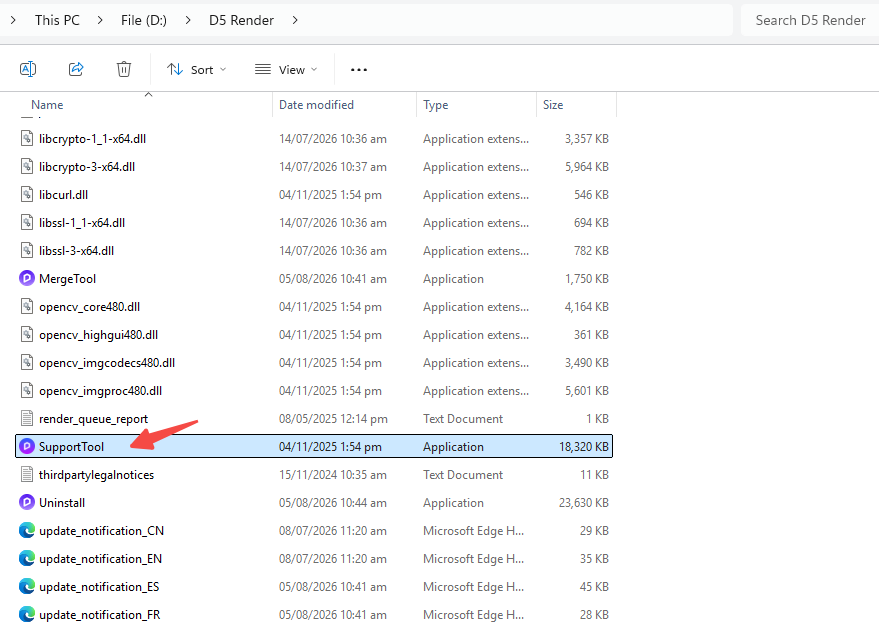
- Open the D5 Render installation path, Double click the “Support Tool”.
After entering D5 Support Tool, click “Check All and Zip At Once”, then send the exported log file (which is called zziplog in the D5 folder) to the D5 Support team.

